This page was generated by nbsphinx from docs/notebooks/motion_list/CircularExclusion.ipynb.
CircularExclusion Overview
[1]:
%matplotlib inline
[2]:
import numpy as np
import matplotlib.pyplot as plt
import sys
import xarray as xr
[3]:
try:
    from bapsf_motion.motion_builder.exclusions import CircularExclusion
except ModuleNotFoundError:
    from pathlib import Path

    HERE = Path().cwd()
    BAPSF_MOTION = (HERE / ".." / ".." / ".." ).resolve()
    sys.path.append(str(BAPSF_MOTION))

    from bapsf_motion.motion_builder.exclusions import CircularExclusion
[4]:
plt.rcParams.update(
    {
        # "figure.figsize": [12, 0.56 * 12],
        "figure.figsize": [10, 0.8 * 10],
        "font.size": 16,
    }
)
LaPD Exclusion in XY
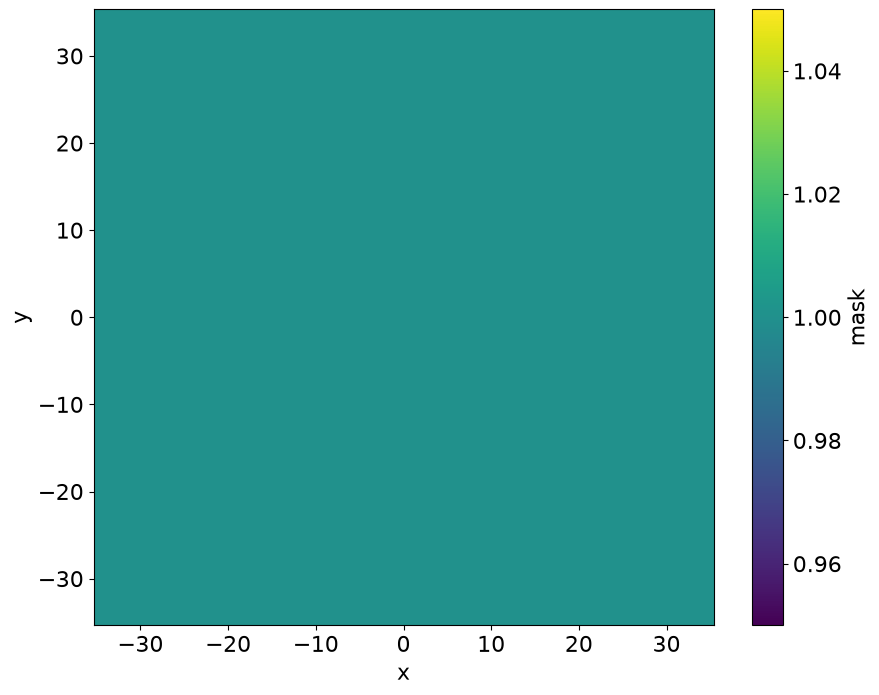
Create the seeding boolean mask. In the boolean mask a True value indicates a point allowed for a motion list and a False value indicaes an exclusion zone.
[5]:
size = 100
side = np.linspace(-35, 35, num=size)
ds = xr.Dataset(
    {"mask": (("x", "y"), np.ones((size, size), dtype=bool))},
    coords={
        "x": side,
        "y": side,
    },
)

ds.mask.plot(x="x", y="y")
[5]:
<matplotlib.collections.QuadMesh at 0x7d831fb974d0>
Add a circular XY exclusion that simulates the LaPD inner diameter
[6]:
ex1 = CircularExclusion(ds, radius=30)
ds["mask"].plot(x="x", y="y");
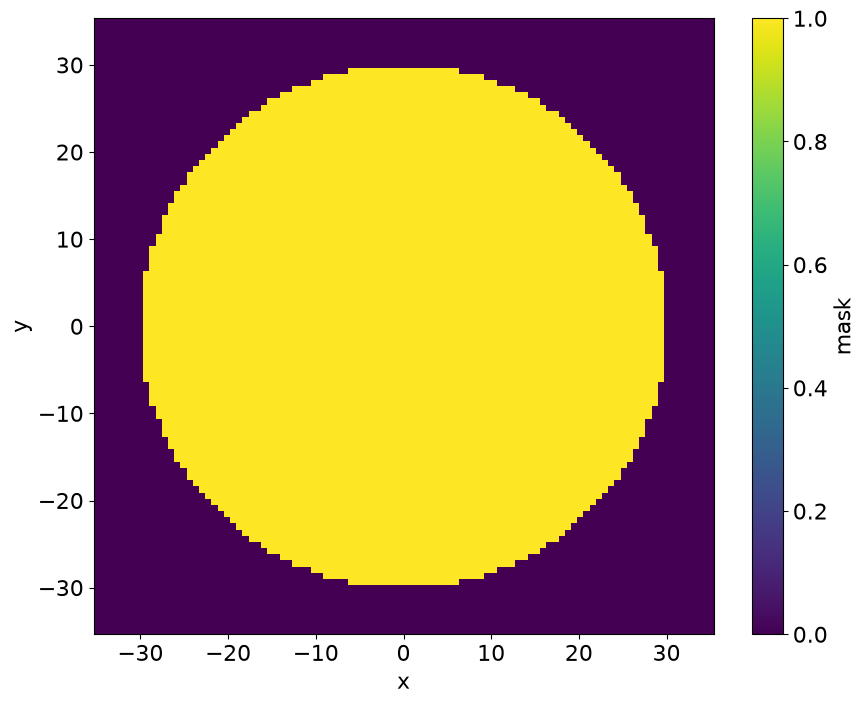
The exclusion configuration is avaibled as a dictionary via the config attribute.
[7]:
ex1.config
[7]:
{'exclude': 'outside', 'type': 'circle', 'center': (0.0, 0.0), 'radius': 30}
Note that CircularExclusion updates the overall mask and stores it’s exclusion later into the xarray.Dataset as mask_ex1.
[8]:
ds
[8]:
<xarray.Dataset> Size: 22kB
Dimensions:   (x: 100, y: 100)
Coordinates:
  * x         (x) float64 800B -35.0 -34.29 -33.59 -32.88 ... 33.59 34.29 35.0
  * y         (y) float64 800B -35.0 -34.29 -33.59 -32.88 ... 33.59 34.29 35.0
Data variables:
    mask      (x, y) bool 10kB False False False False ... False False False
mask_ex0 (x, y) bool 10kB False False False False ... False False FalseWe can check if a specific point is considered excluded or not.
[9]:
(
    ex1.is_excluded((0, 0)),
    ex1.is_excluded((-30, 30)),
)
[9]:
(False, True)
Let’s add a 2nd Circular Exclusion
[10]:
ex2 = CircularExclusion(ds, radius=20, center=(10.0, 10.0), exclude="inside")
ds["mask"].plot(x="x", y="y");
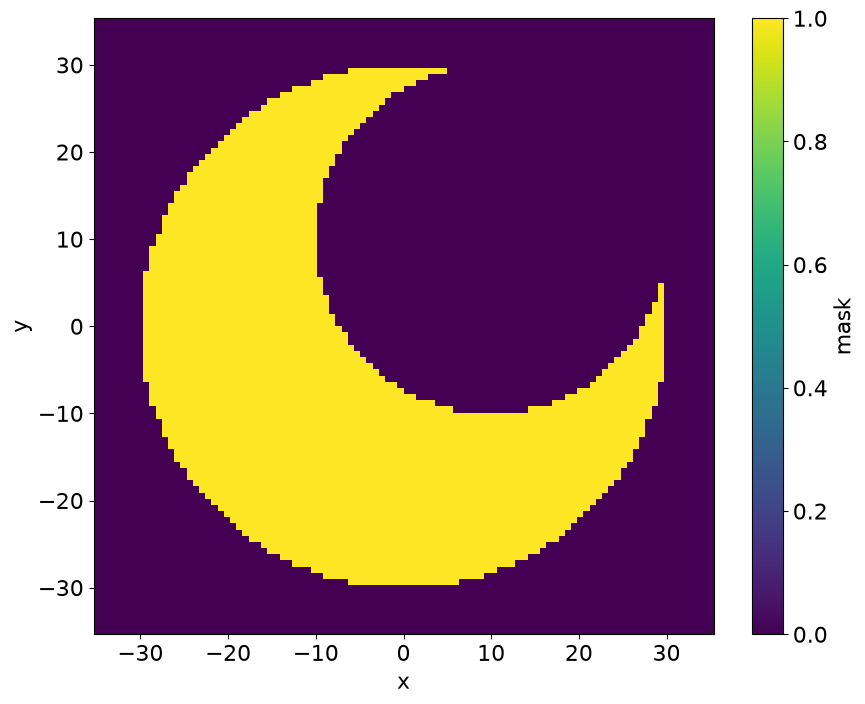
Now both exclusion layers are stored in the Dataset.
[11]:
ds
[11]:
<xarray.Dataset> Size: 32kB
Dimensions:   (x: 100, y: 100)
Coordinates:
  * x         (x) float64 800B -35.0 -34.29 -33.59 -32.88 ... 33.59 34.29 35.0
  * y         (y) float64 800B -35.0 -34.29 -33.59 -32.88 ... 33.59 34.29 35.0
Data variables:
    mask      (x, y) bool 10kB False False False False ... False False False
    mask_ex0  (x, y) bool 10kB False False False False ... False False False
mask_ex1 (x, y) bool 10kB True True True True True ... True True True TrueNote that the is_exclusion() function only checks for exclusion from the class instance the point is being checked to. The exclusion evaluation is done by the overall MotionBuilder class. Please refer to the MotionBuilder notebook for further details.
[12]:
(
    ex1.is_excluded((0, 0)),
    ex2.is_excluded((0, 0)),
)
[12]:
(False, True)